

Select Images from Denfeld’s 1921 Oracle
The images in this post are all from various collages in the 1921 yearbook, so unfortunately they were about one-inch-high and don’t look very sharp when blown up. In gallery form, however, they are adequate enough.
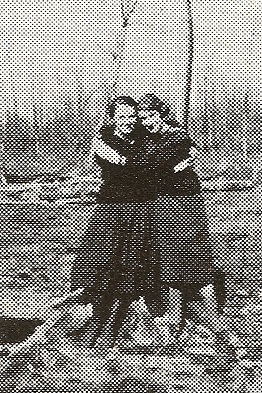
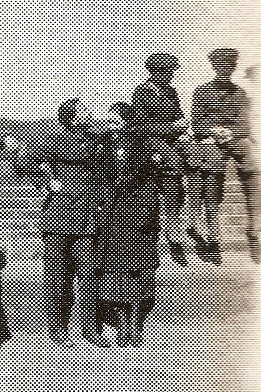
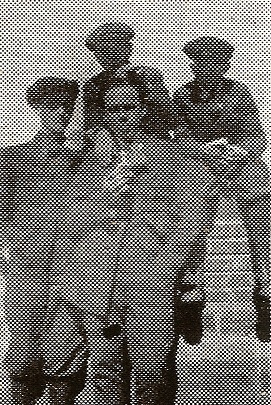
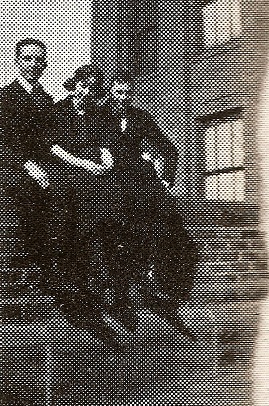
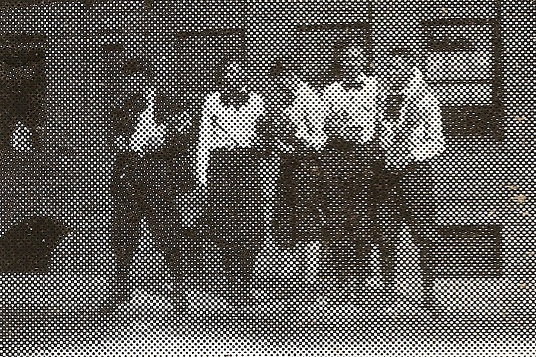
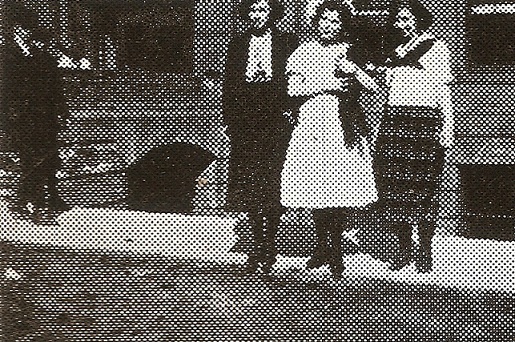
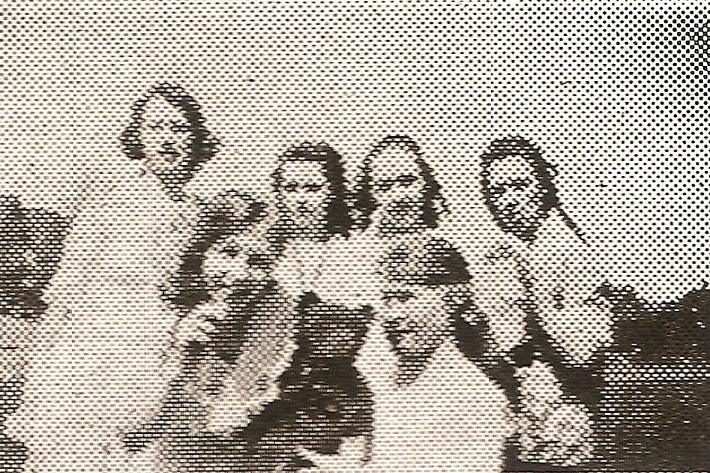
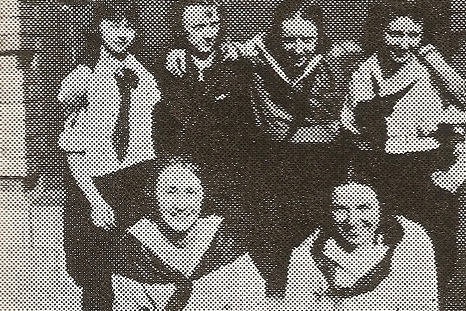
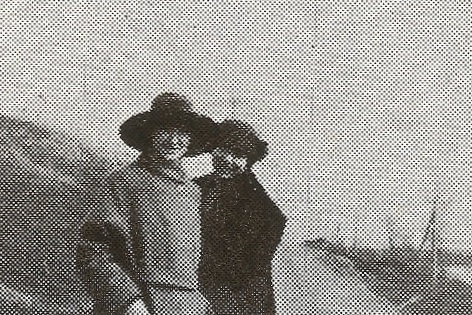
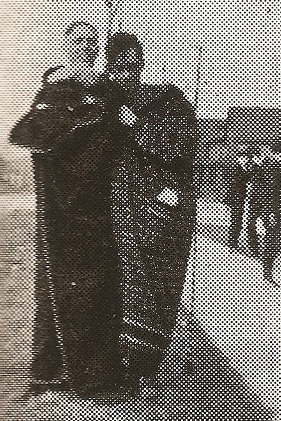
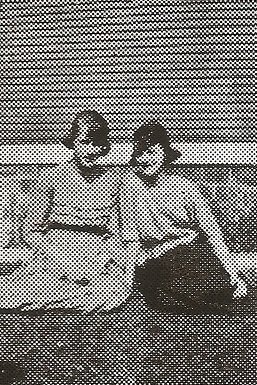
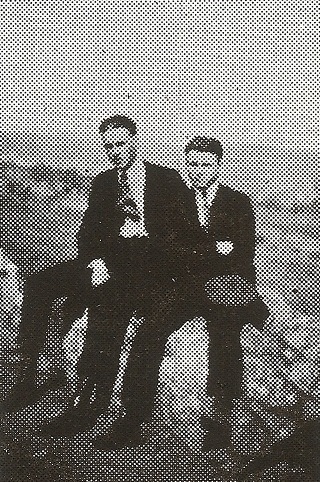
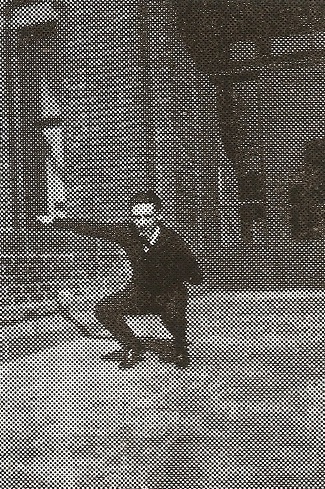
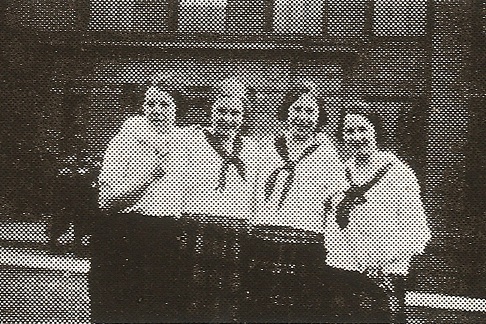
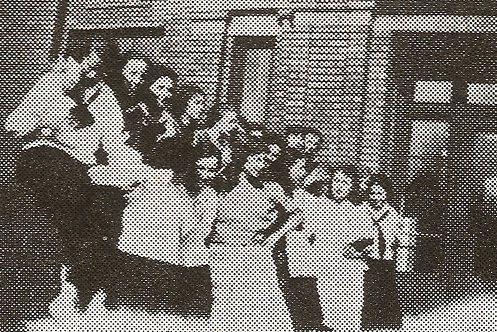
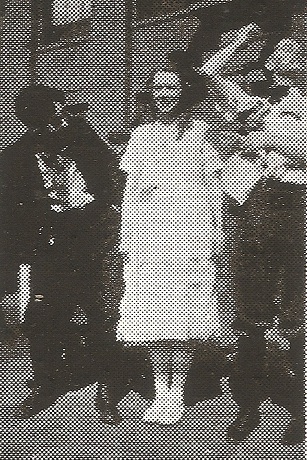
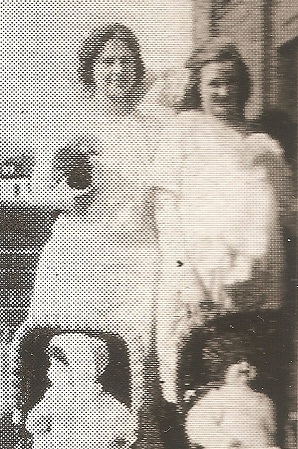
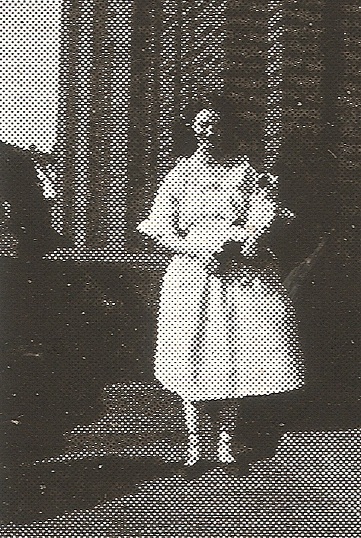
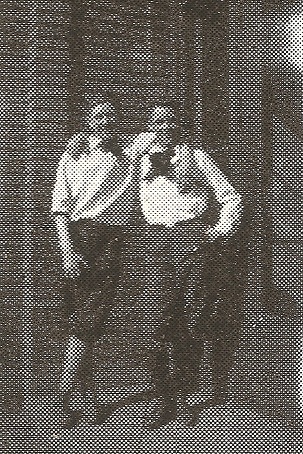
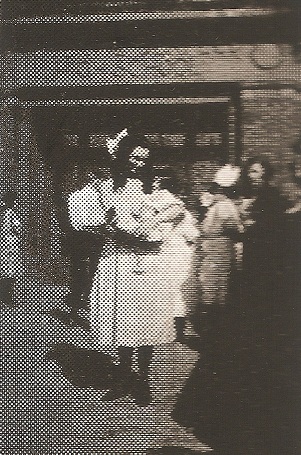
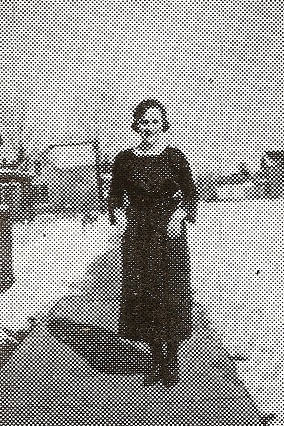
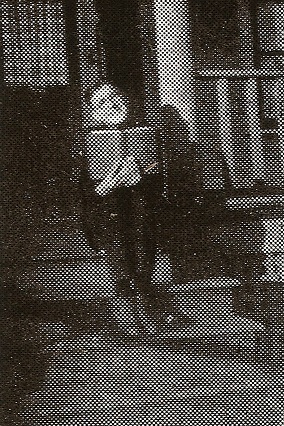
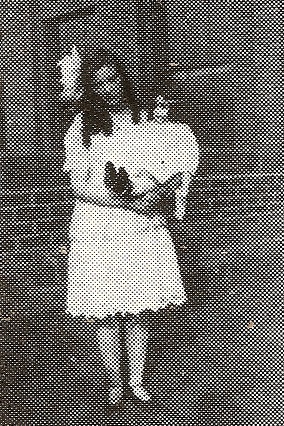
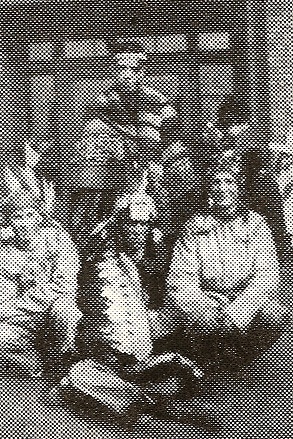
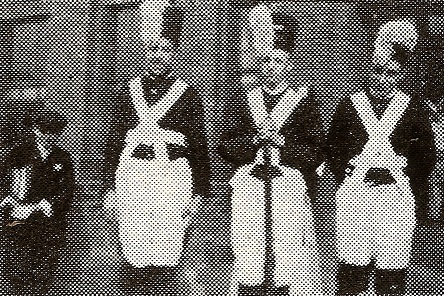
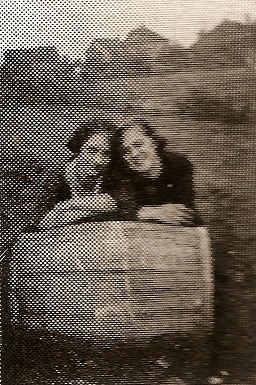
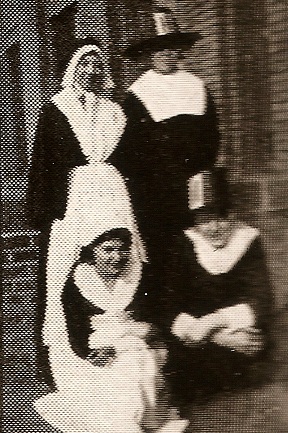
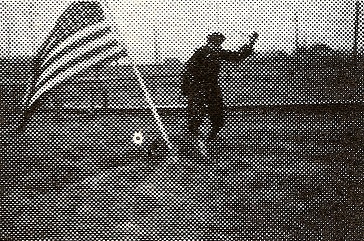
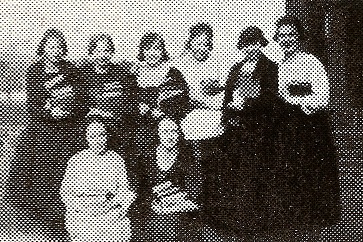
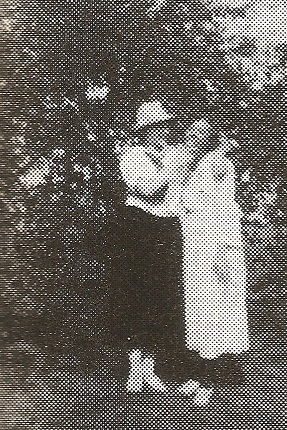
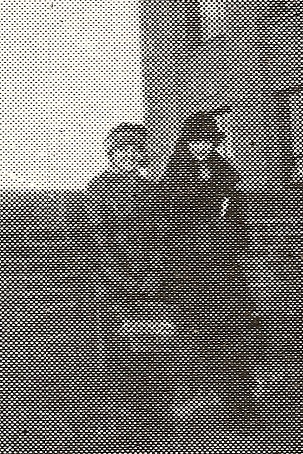
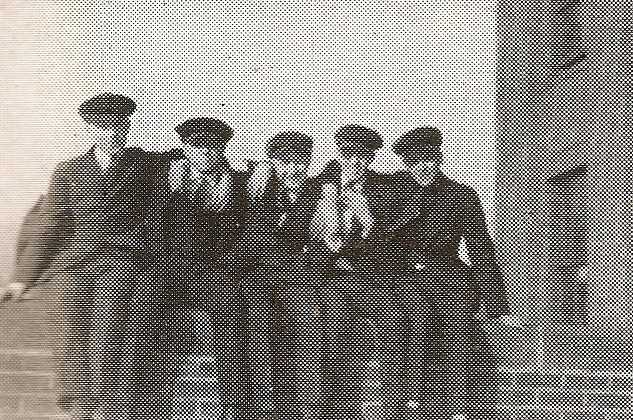
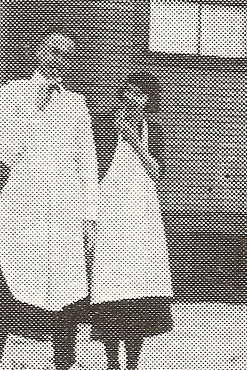
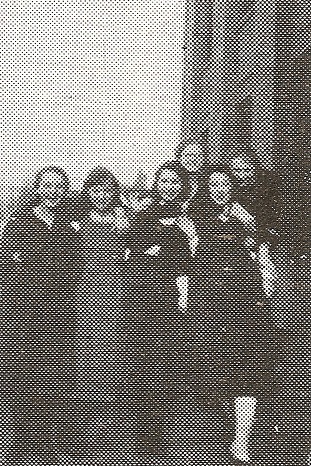
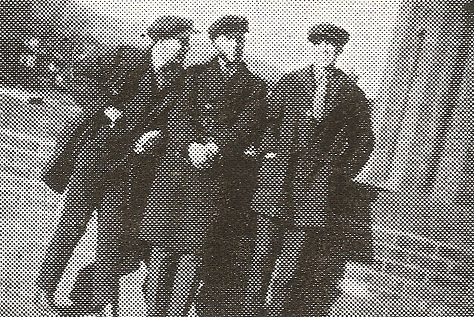
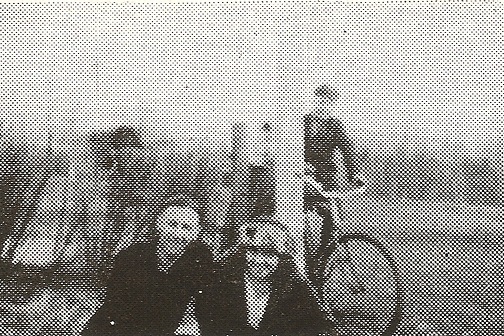
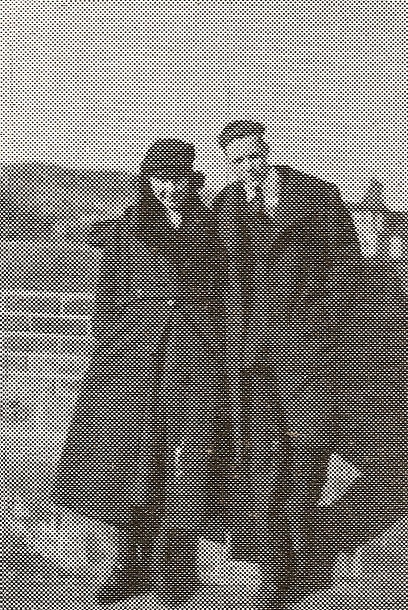
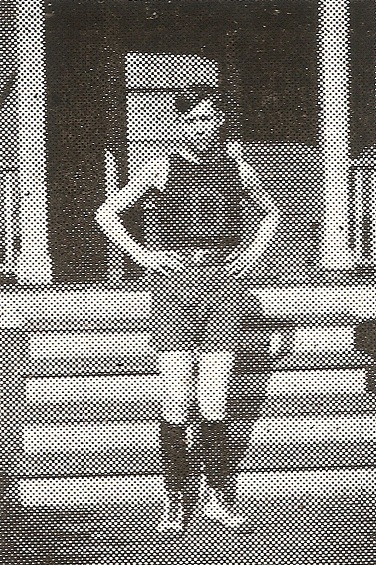
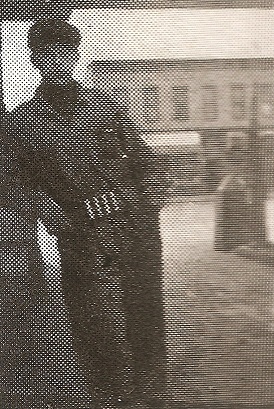
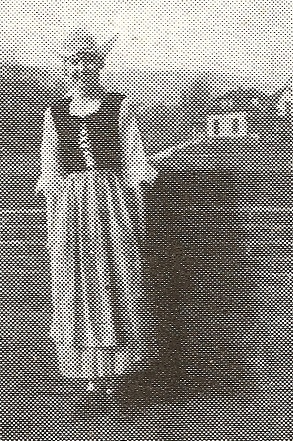
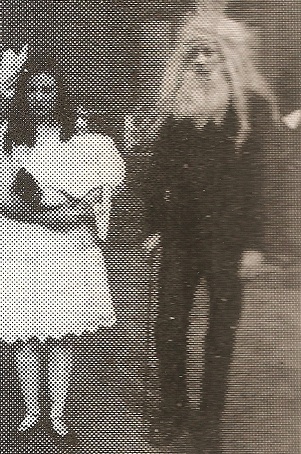
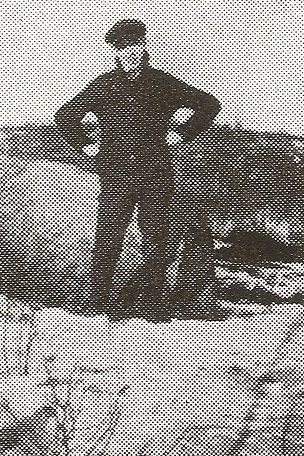
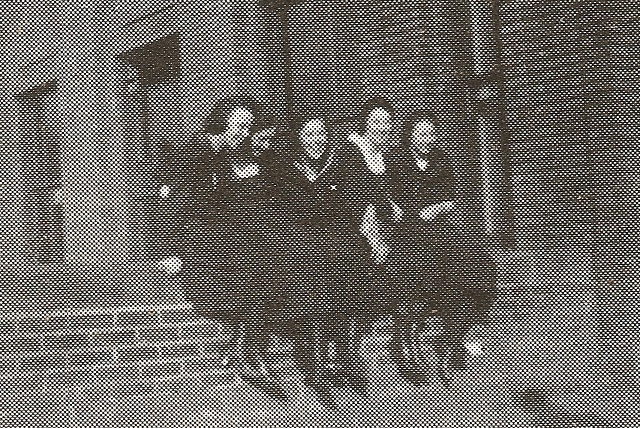
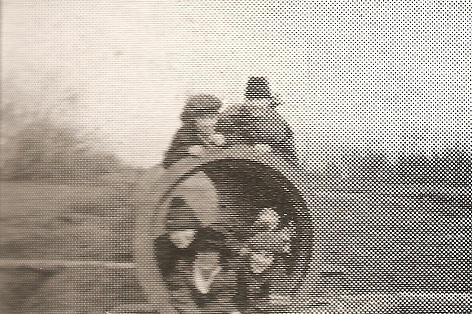
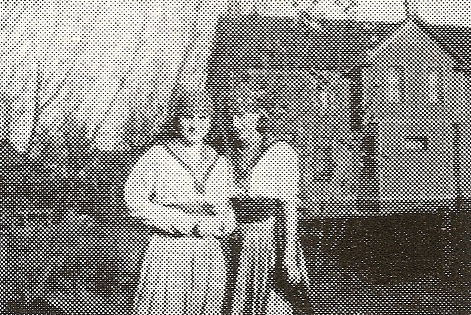
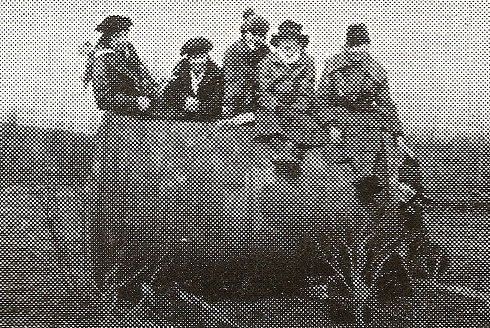
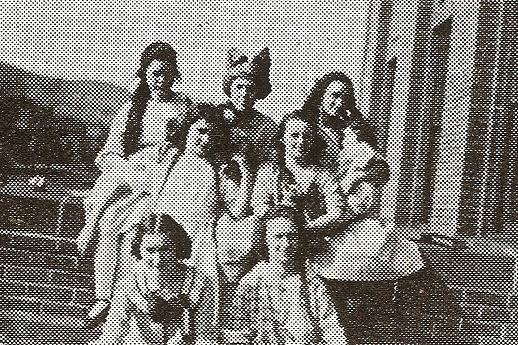
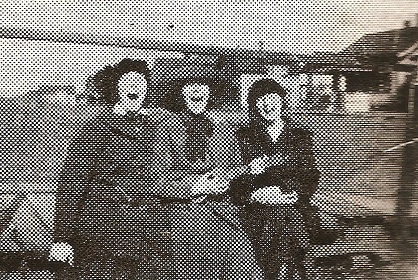
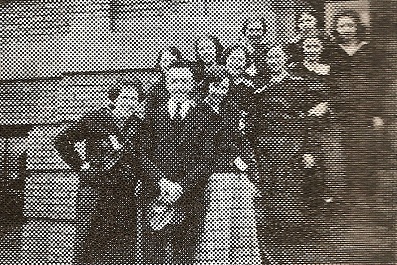
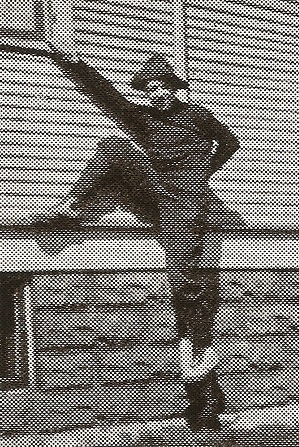
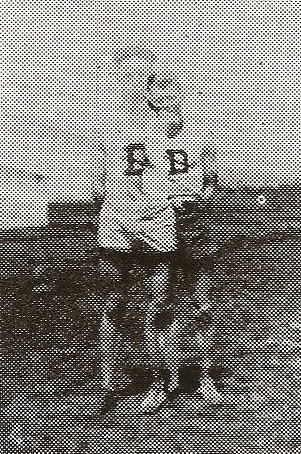
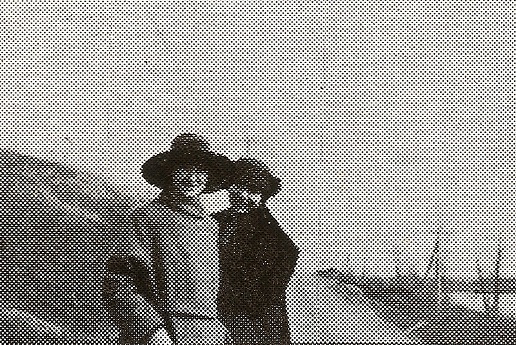
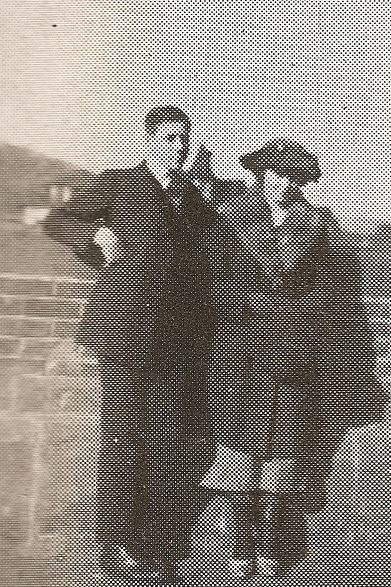
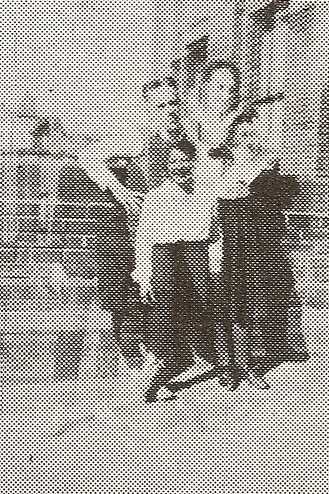
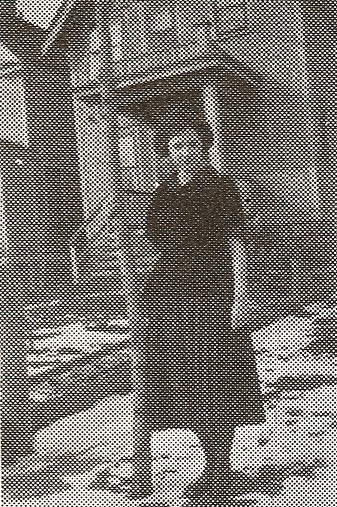
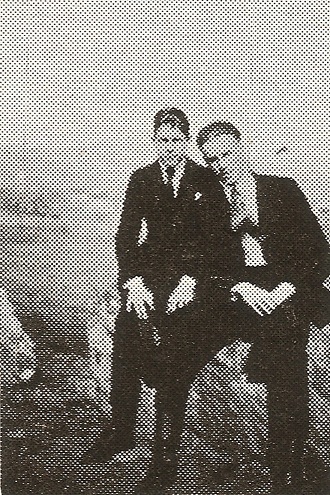
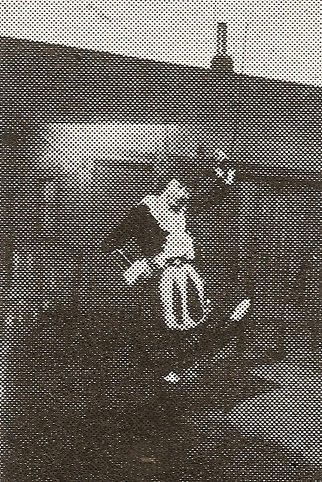
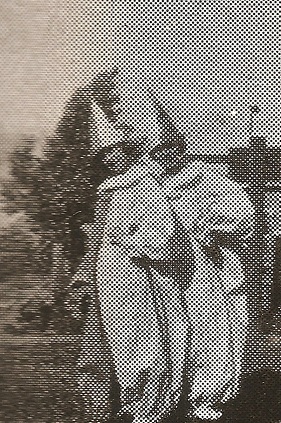
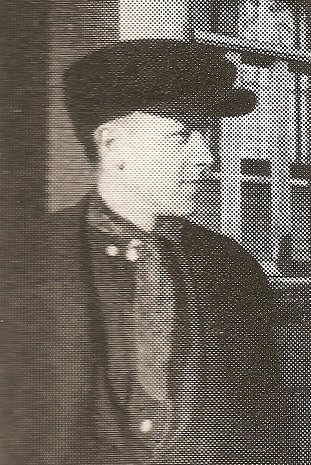
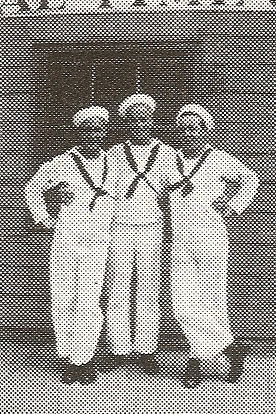
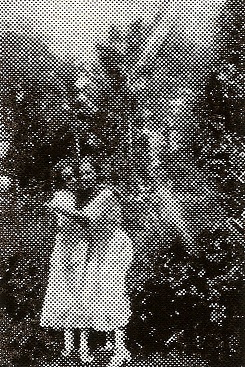
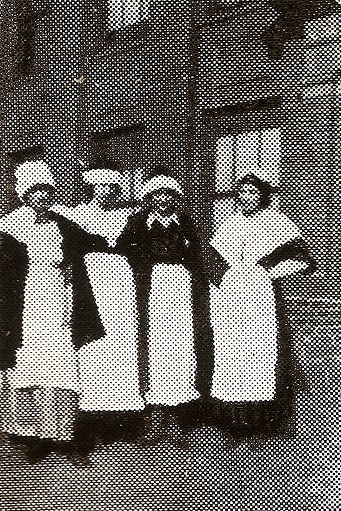
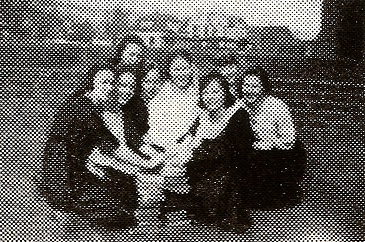
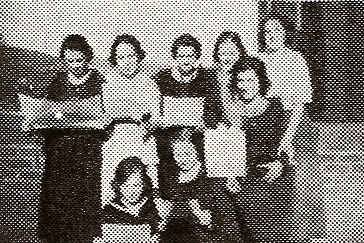
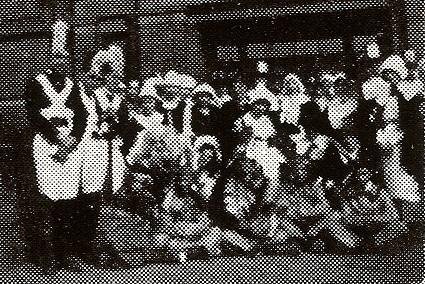
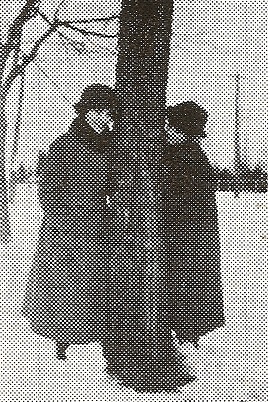
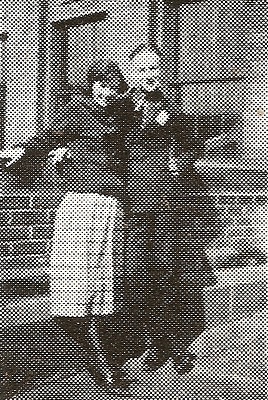
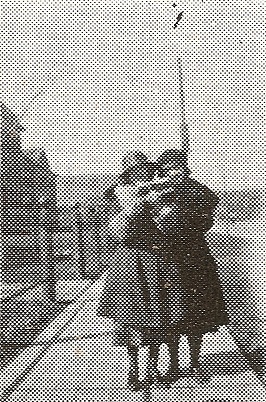
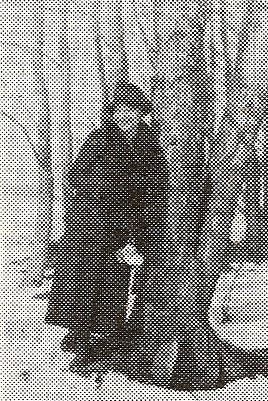
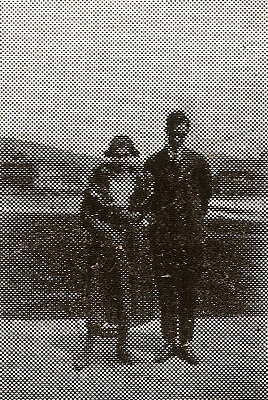
I should also note that because the images are from collages, there were no captions, so I can’t provide much for details about who is in the photos or what is going on, other than to note that I’m pretty sure the various babies in carriages are dolls. It was probably some kind of class project back then to take care of a doll as if it were a child. Or maybe it’s connected to the other instances of various students who are in costume. Obviously “Kid Day” or Halloween or dress rehearsal for a school play were considered good photo opportunities back in the day.
And a final note, these photos are from before the current Denfeld building was constructed. In 1921 Denfeld was located on Central Avenue, in the building that later became West Junior and then part of MacArthur Elementary. That building was torn down this past summer.
Related posts:
Duluth Central High School class of 1924: Mixers, fussers, boosters and bluffers
Select Images from Denfeld’s 1938 Oracle
Select Images from Denfeld’s First Oracle
You can get rid of some of the more obnoxious moiré patterns if you play around with (a) scanning slightly larger or smaller, (b) scanning at 45°, or (c) scanning large and reducing the final image size significantly.
The option to select in the scanner options when scanning old images with half-tone patterns (dots) is “descreening.” The descreening option will help somewhat eliminate the half-tone patterns.
I could go for a good descreening in general.
Another way to eliminate much of the moiré: once scanned, open the file in Photoshop, go to: filter > Blur > Gaussion Blur and then set a percentage to spin out the dots without making your image too fuzzy. It may not work as well with older images with wider-spread dot patterns.